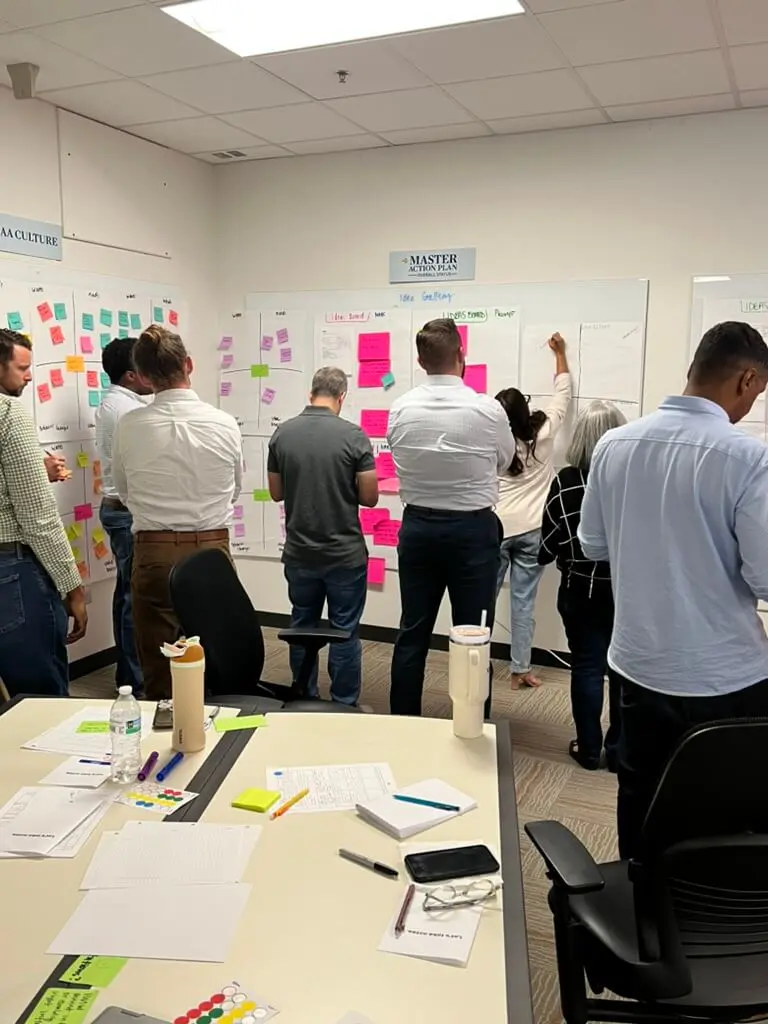
Knowledge Transfer Checklist: 12 Items That Actually Stick
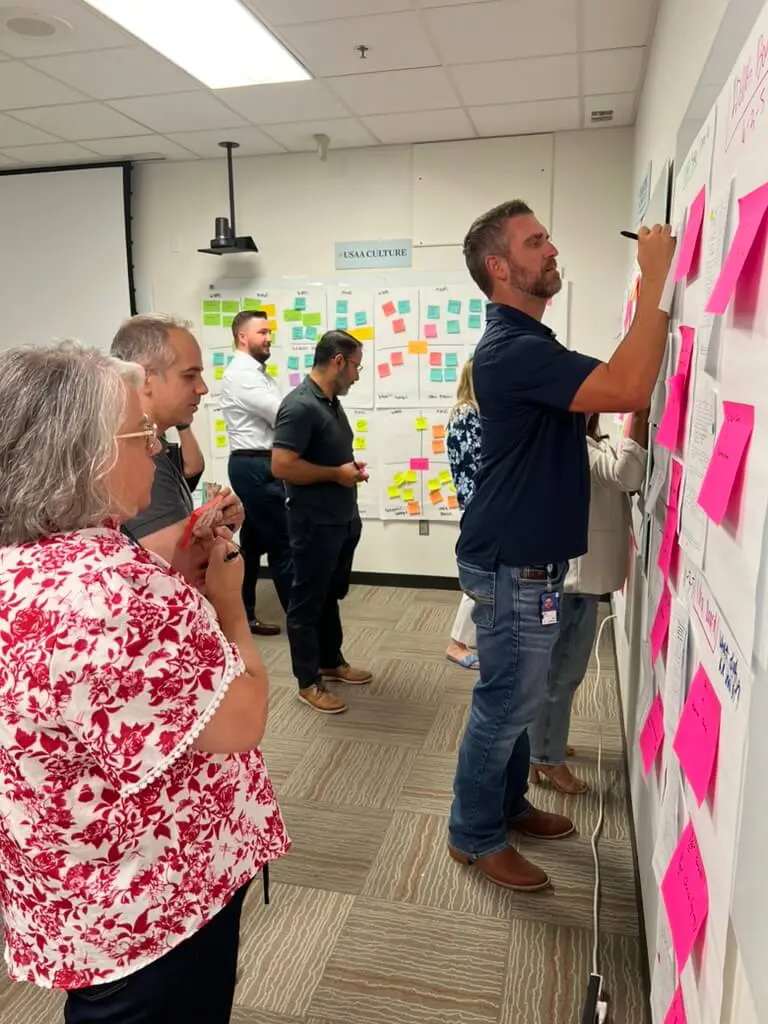

Knowledge Transfer Checklist: 12 Items That Actually Stick
The consultants delivered. They also left. Six months later, your team can’t extend what was built, can’t explain why decisions were made, and can’t onboard new hires to the system. The project succeeded. The transfer failed.
This happens more often than anyone admits. Industry benchmarks suggest 60-75% of consulting engagements fail to achieve effective knowledge transfer, with only 25-40% of clients reaching full self-sufficiency. The rest face execution breakdowns within six months—and 30-50% end up re-engaging consultants for work they should have been able to handle internally.
A team ships something that works, hands over a folder of documentation, and moves on. The client team nods, files it away, and slowly realizes they’re stuck. They can use the thing, but they can’t change it. They can follow the process, but they can’t improve it.
Knowledge transfer isn’t a deliverable you hand off at the end. It’s a capability your team builds while the work happens. Here’s what that looks like in practice—and the checklist we use to make sure it sticks.
What Does Knowledge Transfer Actually Mean?
Knowledge transfer is the process of moving capability—not just information—from one person or team to another so they can act independently afterward. It includes explicit knowledge like documented processes, but also tacit knowledge: the judgment calls, the “why we do it this way,” the shortcuts that only come from doing the work.
The difference matters. Research on organizational learning shows that 60-80% of a team’s operational value lies in tacit knowledge—the unspoken context, the learned instincts, the things nobody thinks to write down. Documentation captures the explicit layer. Capability transfer captures both.
If your team still calls the consultant six months later to ask how something works, transfer didn’t happen. If they’re extending the system and onboarding new hires without outside help, it did.
Most organizations conflate documentation with transfer. They’re not the same. A 50-page runbook nobody reads isn’t transfer. A decision log your team references weekly is.
Why Most Knowledge Transfer Fails
Transfer fails for predictable reasons, and almost none of them are about documentation quality.
Transfer gets scheduled for the end. Teams treat it like a wrap-up activity—something that happens in the last two weeks of an engagement. By then, the people who built the thing are mentally checked out, the client team is busy preparing for go-live, and there’s no time for the kind of paired work that actually moves knowledge. The result: a dump of files and a rushed walkthrough.
The wrong knowledge gets transferred. Teams document what’s easy to document—system architecture, process flows, login credentials. They skip what’s hard: why this approach was chosen over alternatives, what failed before this version worked, which stakeholders need to be looped in and why. The stuff that’s obvious to the builder isn’t obvious to anyone else.
No one practices using it. You can’t transfer a skill by describing it. Learning science is clear on this: documented processes without hands-on practice yield 40-60% retention at six months, fading to 20-30% by year one. Hands-on trained processes hit 75-90% retention at six months and hold at 60-80% a year later. If the client team never actually runs the process, makes the decision, or troubleshoots the problem while the experts are still available, they won’t be able to do it alone.
Tribal knowledge stays tribal. Every project accumulates knowledge that lives in people’s heads—the workaround for that one API quirk, the context behind a strange naming convention, the vendor contact who actually responds. Unless someone deliberately extracts and records this, it walks out the door with the person who learned it.
The pattern is consistent: teams focus on artifacts (documents, diagrams, recordings) and ignore mechanisms (pairing, shadowing, practice runs). Artifacts without mechanisms don’t stick. This is one of the structural traps that create consultant dependency—and it’s entirely preventable.
The 12-Item Knowledge Transfer Checklist
This checklist covers what we hand off on every engagement. Each item is something your team keeps—and can use without us.
1. Decision log with context. Not just what was decided, but why. Include the alternatives considered, the tradeoffs discussed, and who was in the room. Your team will revisit these decisions. Give them the reasoning.
2. System playbook. A living document that covers how to operate, maintain, and extend the system. Sections should include: how to deploy changes, how to troubleshoot common issues, how to onboard new team members, and how to request changes.
3. Component library or design system. If you built reusable elements—UI components, code modules, templates—they should be documented, named, and accessible. Your team should know where to find them, how to use them, and when to create new ones. A well-implemented design system becomes your team’s toolkit, not intellectual property that leaves with the consultants.
4. Process runbooks. Step-by-step instructions for recurring tasks. These should be specific enough that someone new can follow them and annotated with judgment calls (“if X happens, do Y instead”).
5. Stakeholder map. Who owns what, who approves what, who to escalate to. Include the informal relationships—the person who actually gets things done, the bottleneck to avoid on Fridays.
6. Vendor and dependency contacts. Every third-party tool, service, or integration should have a named contact, contract renewal date, and escalation path documented.
7. Training recordings with timestamps. Walkthroughs of key processes, recorded with permission, indexed so someone can jump to the relevant section. Not a replacement for paired work, but a reference for later.
8. Paired work sessions (completed). Your team should have actually done the work—not just watched—while the experts were available. This isn’t a document; it’s a milestone. Check it off only if pairing happened. Research shows paired work achieves 2-4x higher skill retention than documentation alone—70-90% uptake versus 30-50%. It’s the single highest-leverage item on this list.
9. Failure modes and recovery procedures. What breaks, how you’ll know, and what to do. Include past incidents and how they were resolved.
10. Metrics and success criteria. How to tell if the system is working. What to monitor, what thresholds matter, and what actions to take when metrics slip.
11. Roadmap or backlog for future work. What’s next, what’s been deprioritized, and why. Your team inherits not just the current state but the trajectory.
12. Handoff certification. A structured moment—call it a “transfer review” or “capability check”—where the client team demonstrates they can operate independently. This isn’t a formality. It’s the test that confirms transfer actually happened.
If any of these are missing, you have documentation. You don’t have transfer.
When Knowledge Transfer Should Happen
Transfer isn’t a phase at the end. It’s embedded throughout the engagement. Here’s when each piece should happen:
Week 1-2: Stakeholder map and decision log start. From the first meeting, you’re capturing who’s involved and why decisions are being made. These aren’t artifacts you create at the end—they’re logs you maintain as you go.
Week 2-4: Paired work begins. Your engineers, designers, or analysts should be working alongside the external team from early in the project. Not observing—doing. Pairing during build is ten times more effective than walkthroughs after. Studies show it accelerates time-to-self-sufficiency by 40-60%. This is what separates software engineering that empowers your team from work that creates dependency.
Midpoint: Process runbooks drafted. By the halfway mark, recurring processes should be documented in draft form. The client team should be running them—with support—before the engagement ends.
Final weeks: Training recordings, handoff certification, and gap review. This is when you formalize what’s been happening all along. Record the walkthroughs, run the certification, identify any gaps.
Post-engagement: 30-day check-in. A short session to answer questions that emerged once the team was operating solo. This catches the things no one thought to ask during handoff.
If transfer is scheduled only for the final two weeks, you’re already behind. Teams with structured transfers reach self-sufficiency in 4-6 months. Without it, you’re looking at 9-18 months—if it happens at all.
Documentation vs. Capability: What’s the Difference?
The distinction is worth making explicit. Here’s what each looks like in practice:
| Factor | Documentation-Only Transfer | Capability Transfer |
|---|---|---|
| What’s handed off | Files, diagrams, recordings | Files + paired experience + practice runs |
| Skill retention at 6 months | 40-60% | 75-90% |
| Skill retention at 12 months | 20-30% | 60-80% |
| Team’s confidence after | “We have the docs somewhere” | “We’ve done this ourselves” |
| Ability to extend | Low—need to re-engage consultant | High—team can adapt independently |
| Time to self-sufficiency | 9-18 months (if ever) | 4-6 months |
Documentation is necessary but not sufficient. The goal isn’t to leave behind a library. It’s to leave behind a team that doesn’t need one.
The test is simple: if your team can onboard a new hire, troubleshoot an issue, and extend the system without calling the people who built it, transfer worked. If they can’t, it didn’t—no matter how many documents exist.
How to Know If Transfer Actually Worked
You won’t know immediately. Transfer success shows up in what happens after the engagement ends. Here’s what to measure:
Your team extends the system without help. They ship changes, add features, or adapt processes on their own. They’re not just maintaining—they’re building. This is the real measure of whether digital product development moved the needle.
New hires onboard faster. The playbooks and decision logs make it possible to get someone productive in weeks, not months. If onboarding still requires “just ask Sarah, she was here when it was built,” transfer failed.
Decisions get made without escalation. The team has enough context to make judgment calls. They’re not blocked waiting for someone external to weigh in.
The artifacts get used. Decision logs get referenced. Runbooks get updated. The component library gets extended. If the documentation sits untouched in a shared drive, it wasn’t the right documentation.
Support requests drop. A 50% reduction in tickets and escalations within 90 days is a strong signal. If the volume stays flat or rises, something’s missing.
You stop calling the consultants. Not because you’re embarrassed to, but because you don’t need to. The capability is yours now.
The goal isn’t to end the relationship—it’s to change it. A team with real capability can choose to engage a partner for new challenges, not because they’re stuck on old ones.
That’s what knowledge transfer actually looks like: your team running the playbook you built together, extending it without you, and bringing you back only when they want to—not when they have to.
Looking for a partner that teaches while they build? Get in touch to talk about how we approach capability transfer on every engagement.